CLI · Open source · MIT
v0.33.3Conductor
Let your coding agent see and drive the app it's building.
Conductor is a CLI that gives AI agents hands and eyes on a running app. Tap, type, read the live UI, take screenshots and run test flows on iOS, Android, TV, macOS and the web — across as many devices as you have.
Free and open source (MIT) · no account · no telemetry
- One CLI for iOS, tvOS, macOS, Android, Fire TV, Roku and the web
- Native drivers bundled — no Maestro CLI, no JVM
- Most existing Maestro flows run unchanged
- Several agents on several devices, at once
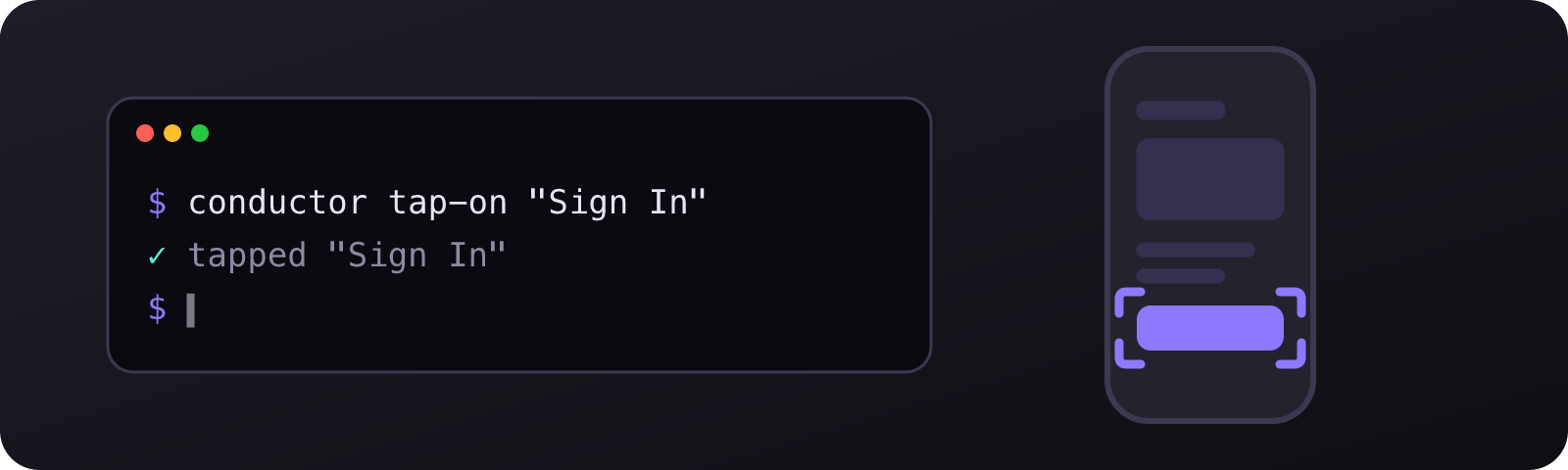
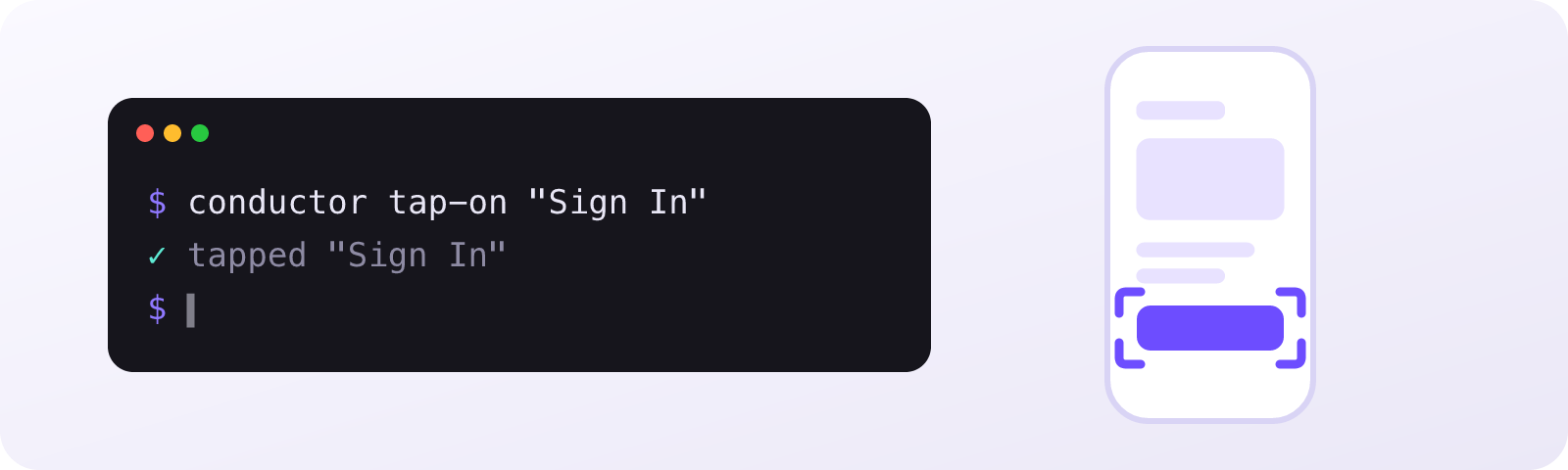
One command lands on the device, the result comes back in a line of text, and the agent decides what to do next.
Your agent writes the code. Then it hands you the phone.
A coding agent can change a screen in seconds, but it can't see the result. So it guesses, says it's done, and you tap through the app to find out. Conductor closes that loop: the agent launches the app, taps, reads the live view hierarchy and takes a screenshot — and fixes what it finds before it hands anything back.
Install
npm install -g @houwert/conductor
conductor init
init installs Conductor's Claude Code skills into your repo. Using another agent? It's a plain CLI — point your agent's instructions at it instead.
48 releases
shipped so far — the full changelog is on this page
0 telemetry
no analytics, no phone-home — what you run stays on your machine
MIT
free and open source, on GitHub and npm
Install it
npm install -g @houwert/conductor. The native drivers are fetched on first use — no Maestro CLI, no JVM, nothing else to set up.
Teach your agent
conductor init installs Claude Code skills into your repo, so the agent knows every command and the act → observe → act loop.
Point it at a device
A simulator or emulator, a physical iPhone or Apple TV, a Fire TV, a Roku, or a Playwright browser. start-device boots one by name.
Let it work
The agent taps, types, inspects and asserts on its own, then saves what worked as a flow you can run again — on one device or all of them.
Built for agents
Output is short and readable by default, with --json when a script needs it. Cheap on tokens, and one conductor init teaches Claude Code the whole CLI.
Every screen you ship to
iOS and tvOS simulators and devices, macOS apps, Android emulators and devices, Fire TV, Roku, and Chromium, Firefox or WebKit through Playwright. Same commands everywhere.
Inspect, don't guess
Read the live view hierarchy with accessibility metadata, capture screenshots, and assert what's on screen — without writing any YAML.
Parallel by default
Run a flow on every booted device with run-parallel, or give each agent its own device from a shared pool with file-based locking.
An agent works the app the way you do
Every command does one thing and reports back in a line: tap a button, type into a field, check a screen is showing, take a screenshot. The agent reads the result and picks the next step — so it can operate the app while it writes the code for it.
- tap-on, input-text, swipe, scroll-until-visible, press-key
- inspect and capture-ui for the live hierarchy
- assert-visible and assert-screenshot to prove it
- take-screenshot and record-video for evidence
Keep what worked. Run it everywhere.
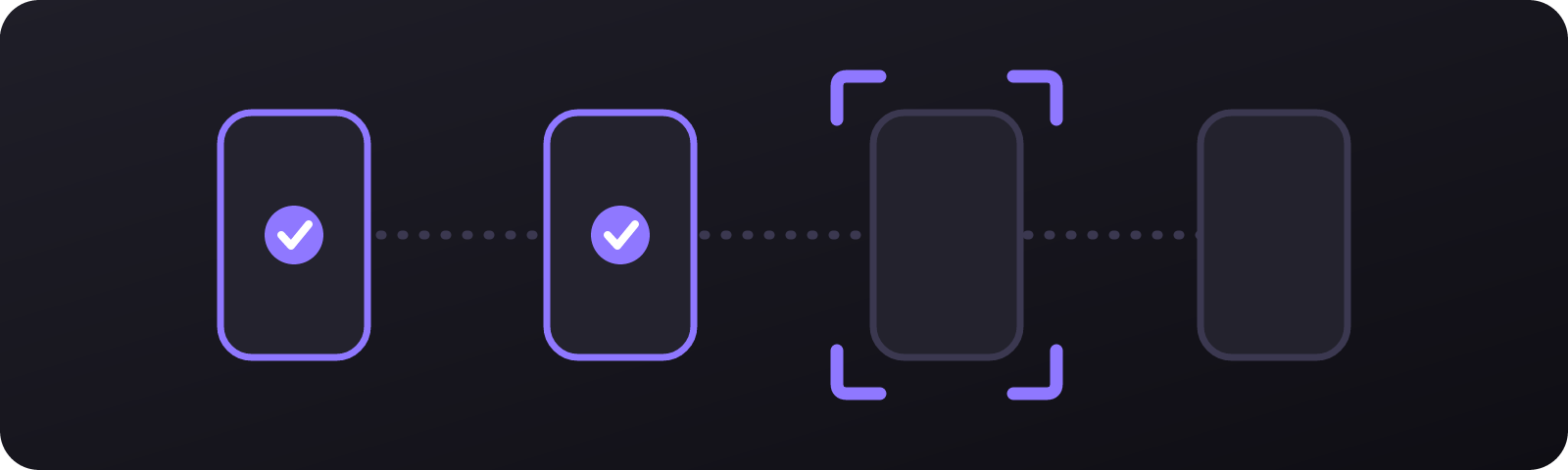
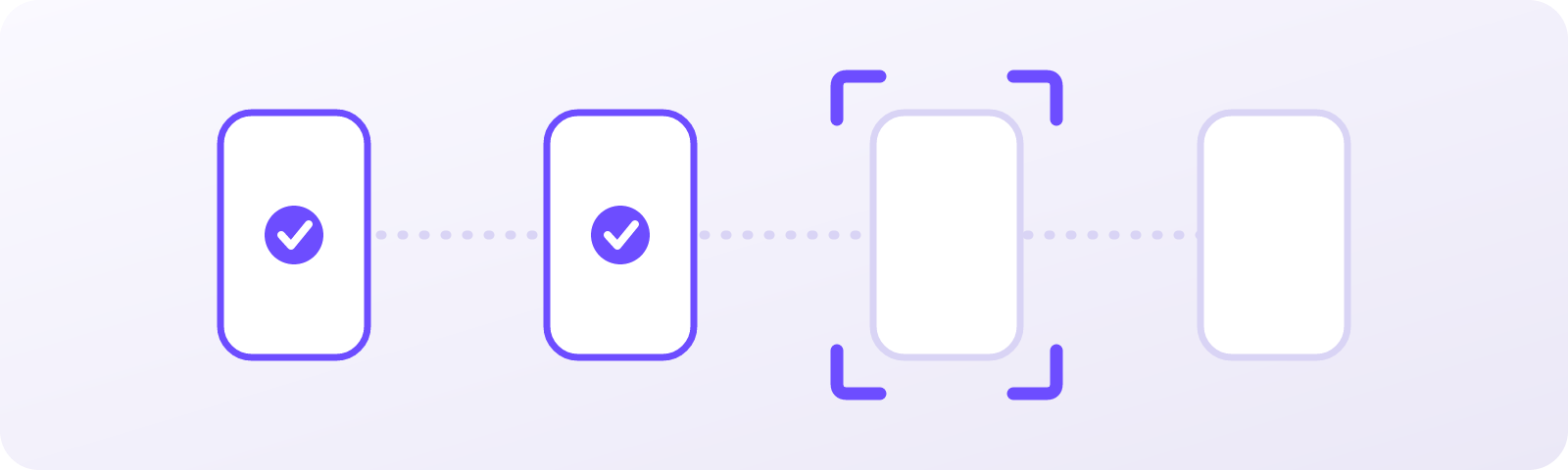
Conductor runs Maestro-format YAML flows, and most existing ones run unchanged. Run a file, run an inline flow an agent just wrote, or run the same flow on every booted device at once.
- run-flow, run-flow-inline and run-sequence
- run-parallel across devices
- Environment variables injected per run
- Named sessions keep agents apart
When it breaks, the agent can find out why
Stream Metro, simctl, logcat or browser console logs with one command, pull crash reports, watch network traffic and profile the app — so an agent chases a bug down instead of just reporting it.
- logs across React Native, native and web
- crashes, network and memory
- profile, including TV performance
- In-process inspection on iOS and tvOS
- Physical devices
- Real iPhones and Apple TVs through a driver signed locally with your own team, and Android devices over adb.
- TV apps
- Apple TV, Android TV, Fire TV and Roku, driven with the same commands — remote keys included.
- The web
- install-web fetches a Playwright browser. After that, a web app is just another device.
- A shared device pool
- device-pool hands each agent its own device and keeps everyone else off it until it's returned.
- Inside the app
- On iOS and tvOS, a library injected into the app reads and edits views directly: native-find, native-set, native-eval.
- Nothing phones home
- No telemetry and no analytics. The only network calls are the drivers and browsers you ask it to fetch.
Do I need Maestro installed?
No. Conductor is a TypeScript reimplementation and partial fork of Maestro that ships its own native drivers — no Maestro CLI and no JVM. Most existing Maestro flows run unchanged.
Does it only work with Claude Code?
No. It's a plain CLI, so any agent that can run shell commands can use it. conductor init installs ready-made Claude Code skills; for anything else, a note in your agent's instructions or a slash command works just as well.
Can it drive a real device, not just a simulator?
Yes. Physical iPhones and Apple TVs work through a driver that's signed locally with your own team on first use, and Android devices work over adb.
Does anything leave my machine?
No. Conductor has no telemetry, no analytics and no phone-home. Apart from downloading its drivers and any browser you install, it only talks to your devices.
What does it cost?
Nothing. It's MIT-licensed, on npm and on GitHub.
- v0.33.3
Fixes
- Crop `take-screenshot` to an element on the inner panel of a foldable. The crop scaled the element's bounds using `deviceInfo()`, which describes `XCUIScreen.main` — the cover panel — while the hierarchy and the redirected capture are both in the inner panel's coordinate space, overshooting every crop by 1.43x on an iPhone Duo. The scale now comes from the captured panel's own `pointScale`. Cropping against a panel that is powered off reports why instead.
- v0.33.2
Fixes
- Fix `take-screenshot --display`
- v0.33.1
Fixes
- Screenshot the panel that's actually on, and let `--display` pick one
Give your agent a device.
Install the CLI, run conductor init, and your agent can tap through the app it's building.
v0.33.3 · MIT · npm install -g @houwert/conductor